Case study
AI Portfolio Assistant
A recruiter-facing assistant that helps visitors find relevant evidence faster.
Summary
This case study treats the portfolio assistant as a product feature: suggested prompts, structured knowledge, internal links, privacy note, limitations, and fallback behavior.
Role
AI product designer, UX writer, frontend/backend implementer
Timeline
PLACEHOLDER: add verified project timeline
Type
AI product case study
Tools
Next.js, TypeScript, OpenAI Responses API, Tailwind CSS
Users
- Recruiters scanning quickly for role fit.
- Hiring managers looking for relevant UX/UI evidence.
- Product teams interested in AI, data, and technical design work.
Goals
- Answer portfolio questions from approved content.
- Recommend internal pages and case studies.
- Fallback deterministically when no API key is configured.
- Make limitations and privacy clear.
Constraints
- No database for v1.
- No conversation storage.
- No unsupported personal claims.
- The portfolio must work without the assistant.
Context and problem
Recruiters have limited time, and portfolios can be hard to navigate when the best evidence is spread across pages.
A personal portfolio assistant that helps recruiters decide what to read first without replacing classic navigation.
A helpful assistant can reduce navigation friction, but only if it stays grounded, transparent, and secondary to the normal site structure.
Process
Knowledge design
Structured profile, project, skills, and experience content so the assistant can retrieve relevant context.
Conversation UX
Defined suggested prompts for recruiter tasks and made internal links part of the answer pattern.
Safety layer
Added guardrails for unrelated questions, hidden prompt requests, private data, unsupported claims, and no-key fallback.
Key UX decisions
- Keep the assistant as a secondary navigation aid.
- Offer suggested prompts instead of an empty chatbot state.
- Return confidence labels and suggested links.
- Use a privacy note in both widget and assistant page.
UI direction
- Compact product-like panel with clear message hierarchy.
- High-contrast chat bubbles and visible loading state.
- Suggested prompt chips that work on mobile and desktop.
Interaction details
- Click a suggested prompt to ask a structured recruiter question.
- Open links returned by the assistant to continue through normal navigation.
- Fallback mode explains that live AI is unavailable and still answers common questions.
Accessibility considerations
- Chat input has a visible label and keyboard-submit behavior.
- Messages are announced through semantic regions.
- The floating widget can be opened and closed by keyboard.
Metrics to track
- Metric to track: assistant prompt click-through to case studies.
- Metric to track: recruiter time to first relevant project.
- Metric to track: fallback answer success rate.
Outcome or expected impact
Expected impact: faster portfolio exploration without making the chatbot a dependency. PLACEHOLDER: replace with measured analytics only if tracking is added later.
Reflection
The assistant is useful because it reduces friction while respecting the portfolio's information architecture and trust boundaries.
Gallery placeholders
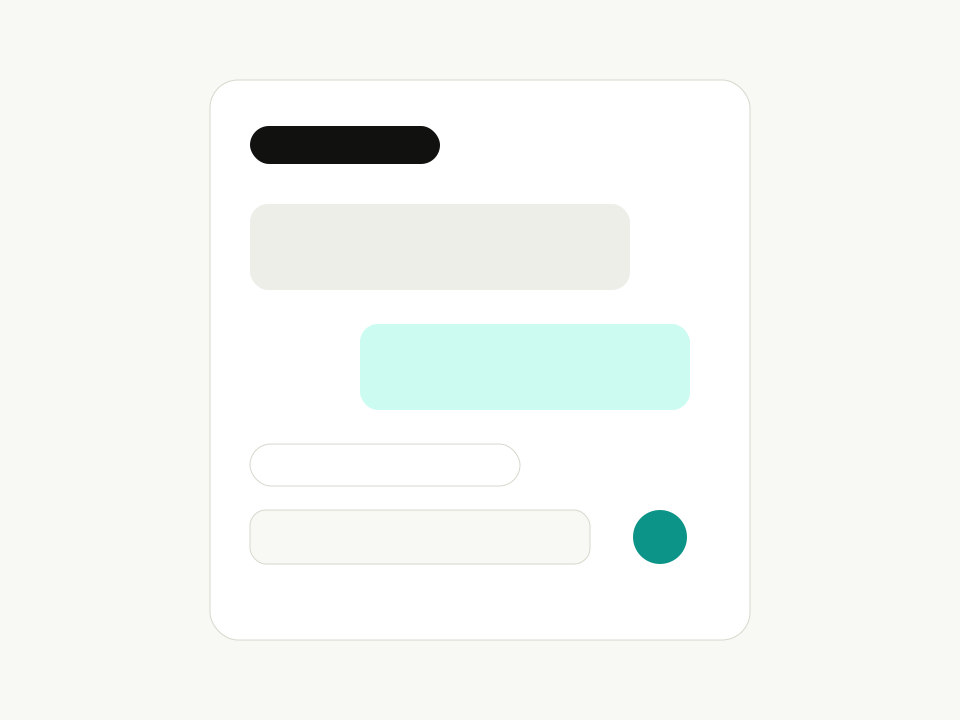
Assistant panel
Placeholder for the portfolio assistant UI.
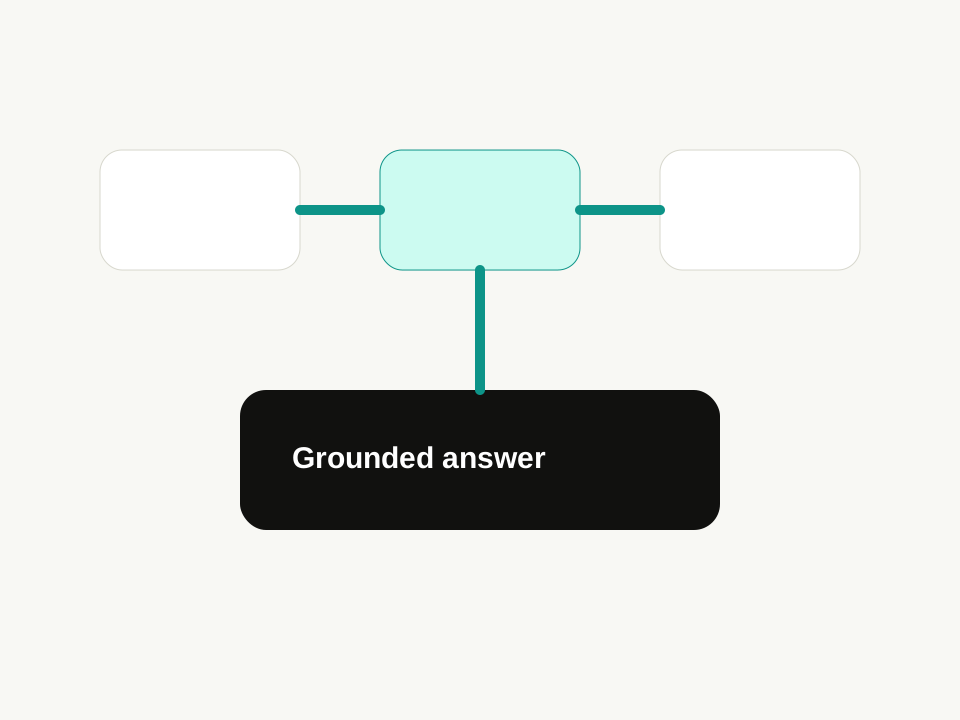
Knowledge routing
Placeholder for retrieval and fallback logic.
Next project
Product Redesign Concept
A polished concept inspired by mature digital products, focused on high-leverage UX improvements and measurable product outcomes.
Continue reading