Case study
Ergonomic Analytics Dashboard
From sensor-heavy biomechanical data to decisions a mixed team can trust.
Summary
This case study reframes a technical analytics workflow as a decision-support product: risk overview first, evidence second, exportable reporting last.
Role
UX/UI designer, product thinker, technical workflow mapper
Timeline
PLACEHOLDER: add verified project timeline
Type
UX/product case study
Tools
Figma, XSens, Delsys, EMG
Users
- Technical researchers reviewing motion and muscle activity signals.
- Ergonomics specialists interpreting risk and intervention priorities.
- Non-technical stakeholders who need clear reports without reading raw data.
Goals
- Make ergonomic risk visible without oversimplifying technical evidence.
- Show data confidence near each insight so users can judge reliability.
- Support exportable reports for communication outside the dashboard.
- Introduce AI-assisted reporting as a drafting layer, not as a replacement for expert judgment.
Constraints
- Different data types use different units, confidence levels, and thresholds.
- The UI must avoid false precision when signals are incomplete or noisy.
- Non-technical readers need summaries, while experts need access to detail.
Context and problem
Biomechanical and ergonomic workflows produce dense signals that are difficult for technical users and non-technical stakeholders to interpret consistently.
A concept and UX direction for ergonomic analysis where sensor data, confidence signals, and reporting need to serve both experts and stakeholders.
Risk decisions often depend on confidence, thresholds, and context. A clearer interface can reduce interpretation friction and help teams move from raw signals to responsible action.
Process
Workflow mapping
Mapped the path from capture to interpretation: XSens movement data, Delsys EMG, risk scoring, confidence review, and report export.
Information hierarchy
Separated overview risk, confidence, signal detail, and reporting so the interface supports both scanning and investigation.
Decision framing
Designed risk states and supporting evidence around what users need to decide next, not around raw chart density.
Key UX decisions
- Use a risk overview panel before detailed charts.
- Pair each insight with confidence and source indicators.
- Label AI-assisted report text as draft support that requires human review.
- Keep export controls visible but secondary to analysis.
UI direction
- Neutral analytical interface with controlled accent colors for risk severity.
- Dense but legible cards for metrics, confidence, and flagged body areas.
- Chart placeholders organized by task, not by data source alone.
Interaction details
- Filter by task, body region, sensor confidence, or risk level.
- Open a risk finding to inspect RULA, %MVC, JASA, and signal confidence together.
- Generate an AI-assisted report draft from selected findings.
Accessibility considerations
- Risk is communicated with labels and patterns, not color alone.
- Tables and charts need text summaries for screen readers.
- Export controls use native buttons and clear accessible names.
Metrics to track
- Metric to track: time from data review to first actionable risk finding.
- Metric to track: stakeholder comprehension of exported reports.
- Metric to track: expert confidence in AI-assisted report drafts.
Outcome or expected impact
Expected impact: a clearer bridge between sensor evidence, ergonomic risk, and stakeholder-ready reporting. PLACEHOLDER: replace with verified outcome if available.
Reflection
The strongest product opportunity is not another chart. It is the translation layer between evidence, confidence, and action.
Gallery placeholders
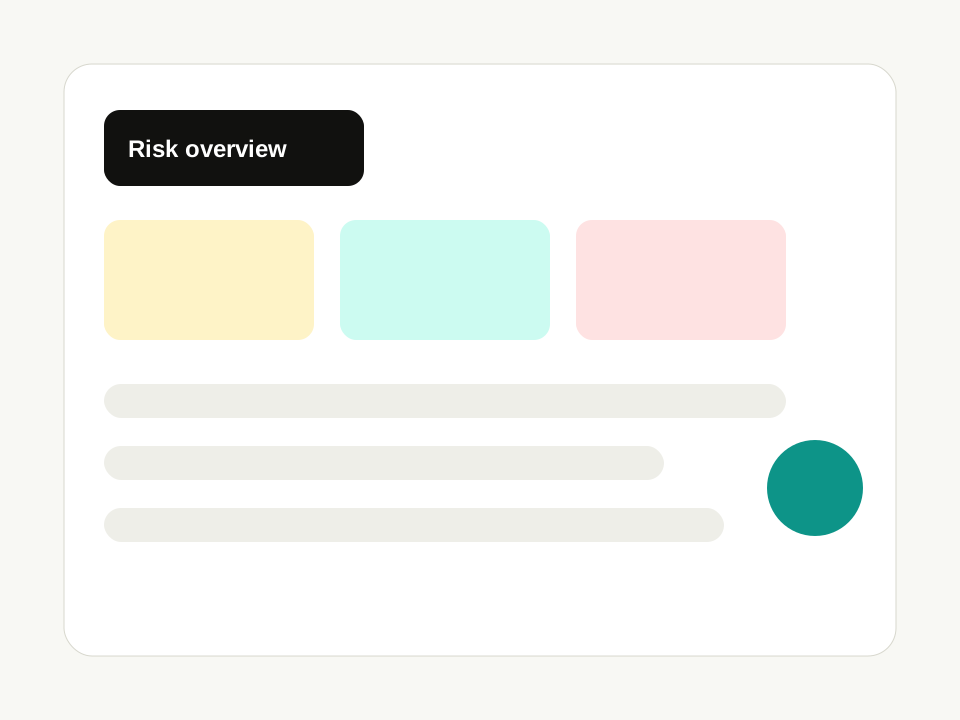
Risk overview
Placeholder view for severity, confidence, and priority areas.
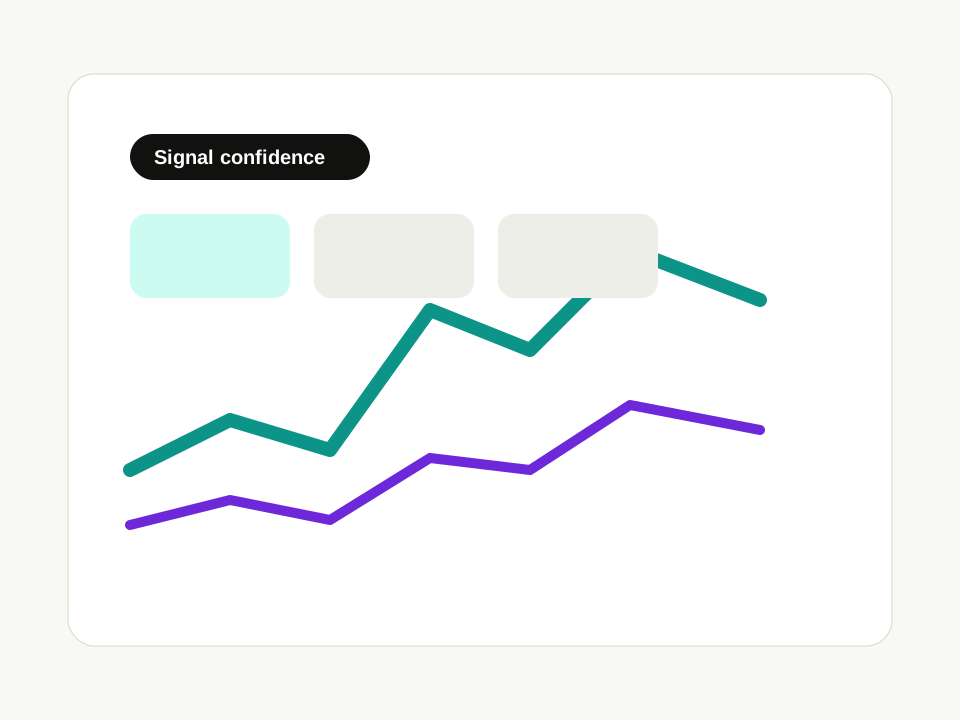
Signal detail
Placeholder view for EMG and movement evidence behind a finding.
Next project
Design-IT: Gamified Learning Tool
A gamified learning tool for Industrial Design students that turns design briefs, expertise areas, personas, partners, and resources into collaborative decision-making.
Continue reading